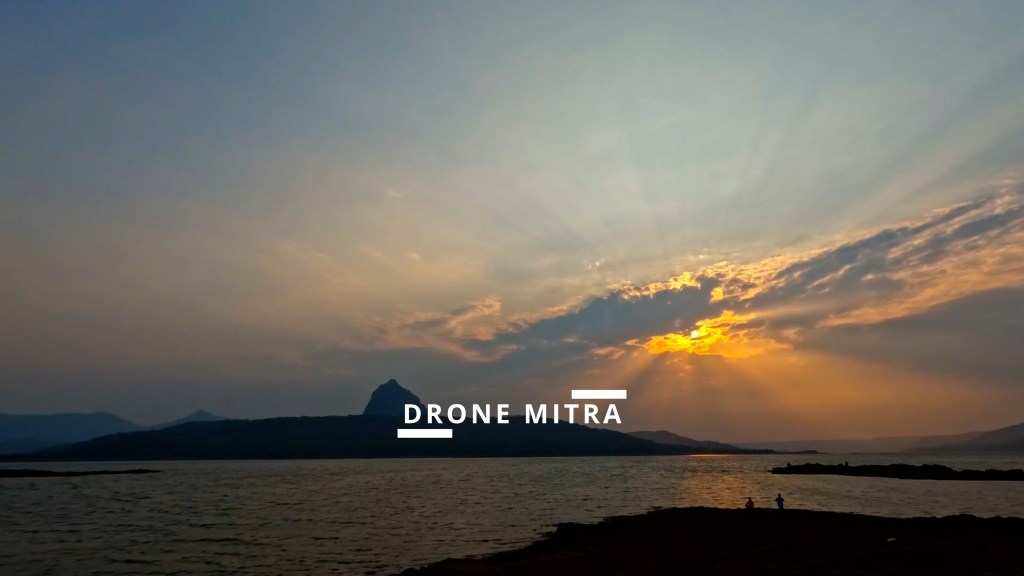
Transform your drone footage from shaky to spectacular with DaVinci Resolve 18.6.5’s latest editing magic. Get smoother shots, pro formats, and more!

- Introduction
- AI-Powered Stabilization
- Gyro Stabilization (Blackmagic Focus)
- Professional File Formats
- Workflow Boost
- Call to Action: Explore Our Technology Section Articles on Newspatron
Introduction
Your drone captures breathtaking views from around the world – majestic landscapes, vibrant cityscapes, and adrenaline-pumping action sequences. But to unleash their full potential, you need to transform raw footage into polished, cinematic stories. DaVinci Resolve’s latest update (18.6.5) brings powerful yet surprisingly simple tools to do just that – for free!
Whether you’re a hobbyist, a travel vlogger, or aspire to create professional-level content, this update is your ticket to smoother shots, high-end formats, and stunning visual effects. Get ready to say goodbye to shaky clips and hello to stunning drone videos that stand out!
AI-Powered Stabilization
Smooth Out the Bumps for Perfectly Cinematic Shots
Let’s face it, the weather doesn’t always cooperate, and even the most experienced pilots encounter a little turbulence. That’s where DaVinci Resolve’s AI stabilization comes to the rescue. With just a few clicks, say goodbye to jitters and hello to buttery-smooth pans and zooms.
How This Transforms Your Travel Footage:
- Sweeping Landscapes: Showcase the serenity of coastlines or the majesty of mountains without distracting vibrations.
- Detailed Zooms: Zero in on landmarks or wildlife with confidence, knowing the stabilization will keep things steady.
- Push Your Drone’s Limits: Capture riskier shots, knowing you can always smooth things out during editing.
Gyro Stabilization (Blackmagic Focus)
Effortless Smoothness with Camera & Software Teamwork
If you use a Blackmagic Pocket Cinema Camera 6K (or compatible model), this update is a game-changer! Gyro data recorded by your camera works seamlessly with DaVinci Resolve’s stabilization. Picture this: flawless tracking shots of moving subjects, thrilling action sequences, or simply overcoming those inevitable shakes from handheld work.
Professional File Formats
Unlock High-End Editing for That Travel Documentary Look
As your skills advance, you may find yourself shooting with pro-level cameras that use specialized formats like Sony’s X-OCN. These capture incredible detail, but editing them often requires expensive software. Now, DaVinci Resolve 18.6.5 puts powerful editing tools for these formats in your hands, making those big-budget looks more accessible than ever.
Workflow Boost
Streamlined Collaboration and Project Management
This update’s improvements to OpenTimelineIO might not be flashy, but any experienced editor knows their worth. Streamlining the transition of edits between programs and collaborators saves time and frustration. This opens the door for easier teamwork on intricate projects and collaborations with like-minded creators on Newspatron!
Call to Action: Explore Our Technology Section Articles on Newspatron
Ready to level up your editing game? Learn more about –
- Color Correction and Grading: Infuse your footage with emotion and style through color manipulation.
- Advanced Audio Editing: Create an immersive soundscape with audio cleanup, sweetening, and sound design.
- Creative Transitions: Add flair and energy to your edits with dynamic transitions and custom animations.
- Multi-cam Editing: Tell dynamic stories by seamlessly weaving together multiple camera angles.
- Green Screen and Compositing: Transport your audience to other worlds or create stunning visual effects.
Conclusion

 Drone Mitra
Leave a comment